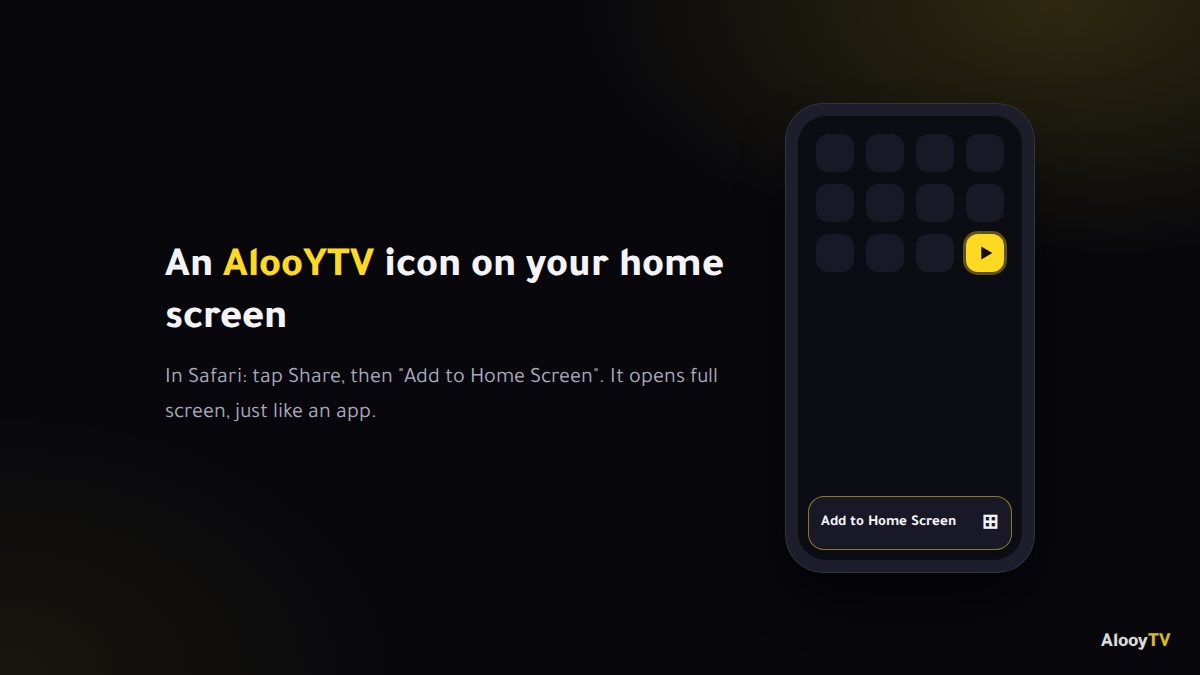
You don't need an App Store app to watch AlooYTV on iPhone or iPad. It runs straight in Safari, and with one small step you get an icon on your home screen that opens it full screen, just like an app.
Steps
- Open the link in SafariTap "Watch on AlooYTV" on this page using Safari.
- Tap the Share buttonThe square with an arrow pointing up, at the bottom of the screen (at the top on iPad).
- Choose "Add to Home Screen"Scroll down the list, pick the option, then tap "Add".
- Open it like any appAn AlooYTV icon appears on your home screen. Tap it and start watching.
Is AlooYTV on the App Store?
No. AlooYTV isn't available as an App Store app, and anything there using the name isn't official. The good news is that the web version works really well on iPhone and iPad through Safari, and once it's on your home screen it opens full screen like a standalone app.
Why this is better than "alternative" apps
- Nothing to update: every improvement shows up automatically the next time you open it.
- No risky profiles or certificates: you never have to install anything from outside the App Store.
- No space used: there's no app taking up storage on your phone.
Watching on the TV from your iPhone
If you have an Apple TV or a TV with AirPlay 2 (many recent Samsung, LG and Sony models), open Control Center and tap Screen Mirroring, then pick your TV. For everyday TV viewing, though, installing the app on an Android TV box or Fire TV Stick is far more comfortable. See the smart TV guide.
Tips for a better experience on iOS
- Full screen: turn the phone sideways once the video starts, and make sure Rotation Lock is off in Control Center.
- If the video freezes: close Safari fully from the app switcher and reopen it.
- Still acting up: clear the site's data under Settings → Safari → Advanced → Website Data.
Frequently asked questions
Is there an AlooYTV iPhone app?
Not on the App Store. You watch in Safari and add an icon to your home screen, which opens like an app.
Does it work on iPad?
Yes, the same way. On iPad the Share button is at the top of the screen.
Do I need to pay or sign up?
No. Watching is free and needs no account.
Ready to start watching?
Live channels, series and movies, free and with no sign-up.