If your TV is old, or it's a Samsung or LG that won't take APK files, an Amazon Fire TV Stick is the cheapest and easiest way to turn it into a smart TV that runs AlooYTV. It plugs into an HDMI port and comes with a voice remote.
Install steps
- Install the Downloader appFrom the home screen go to Find → Search, type "Downloader" and install it.
- Turn on developer optionsSettings → My Fire TV → About, then click the device name 7 times until you see "You are now a developer".
- Allow unknown appsSettings → My Fire TV → Developer Options → Install unknown apps → turn on Downloader.
- Download and install AlooYTVOpen Downloader, type this site's address, press the download button, then Install.
After installing
- Delete the APK inside Downloader once it's installed to save space. It offers to do this automatically.
- Move the app to your home screen: press the apps button, highlight AlooYTV, then choose Move.
- Keep storage free: the Fire TV Stick has only 8 GB, so clear the cache now and then under Settings → Applications → Manage Installed Applications.
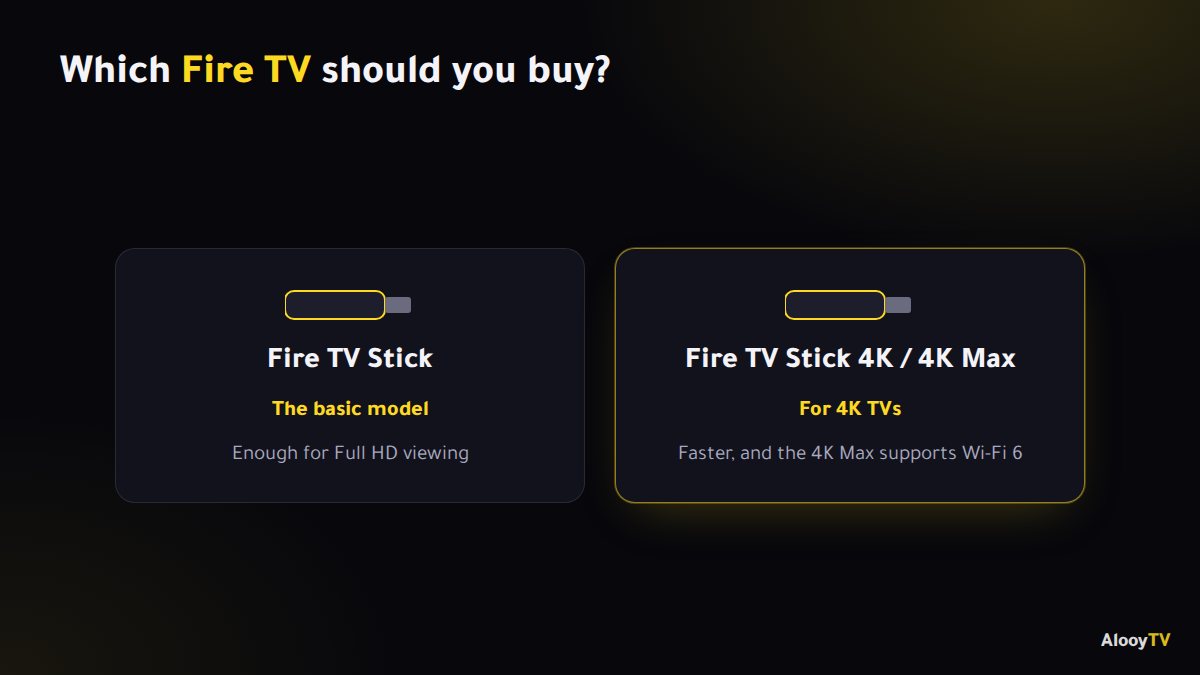
Which Fire TV should I buy?
For Full HD viewing, the basic Fire TV Stick is enough. If your TV is 4K and you want snappier performance, go for the Fire TV Stick 4K or the 4K Max, which also supports Wi-Fi 6.
Plug it in properly
Use the power adapter that comes in the box, plugged into a wall socket, rather than the TV's USB port. Many TV USB ports don't supply enough power, which leads to warnings and random restarts. If the HDMI port is in a tight spot, use the short extender from the box; it also helps the Wi-Fi signal.
Frequently asked questions
Do I need an Amazon account?
Yes, the Fire TV Stick asks for one during setup. Creating it is free. AlooYTV itself needs no account.
I can't find Developer Options. What now?
Go to Settings → My Fire TV → About and click the device name seven times in a row until it appears.
Is the basic Fire TV Stick enough?
For Full HD, yes. Choose the 4K or 4K Max if your TV is 4K and you want faster performance.
Ready to start watching?
Live channels, series and movies, free and with no sign-up.