Most AlooYTV problems have a quick fix. Below are the six issues people run into most often, each with fixes ordered from easiest to hardest. Work down the list, and if one fix doesn't do it, move to the next.
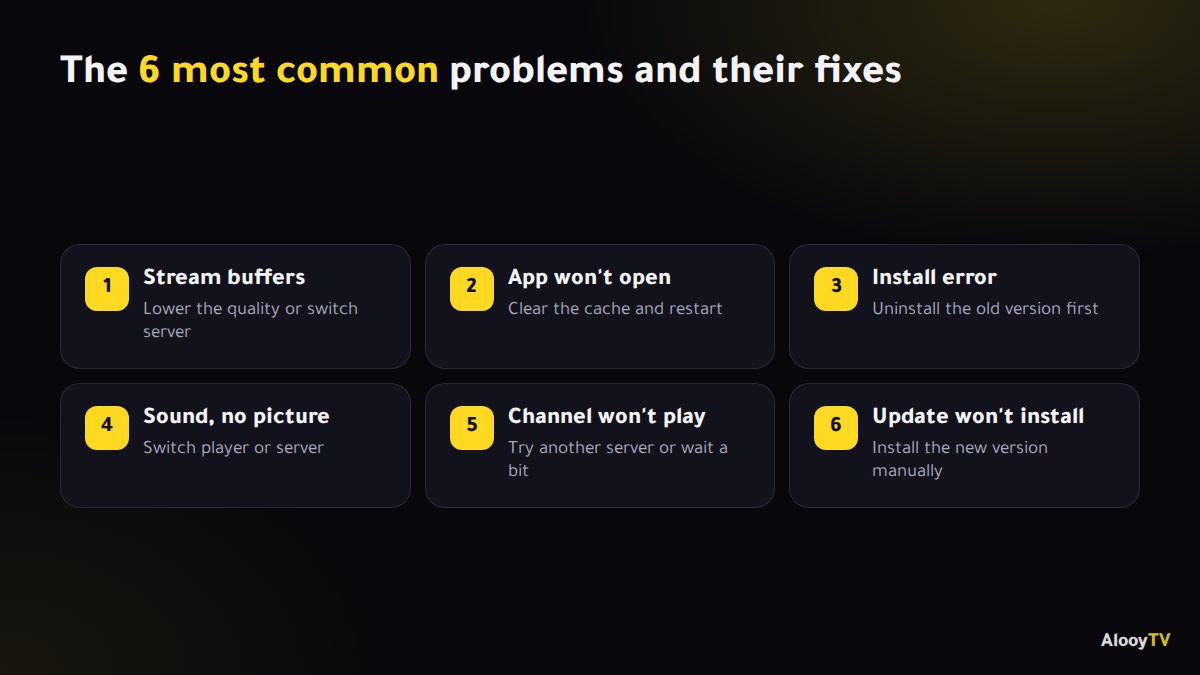
Problem 1: the stream buffers or keeps stopping
This is the most common one, and it's usually down to your internet speed or a busy server.
- Lower the quality: in the player settings, pick a lower quality (for example 480p instead of 1080p).
- Switch server: most content is available on more than one server, so try another.
- Restart your router: switch it off for a full minute, then back on.
- Use a cable on the TV: a network cable is far more stable than Wi-Fi.
Problem 2: the app won't open or closes straight away
- Clear the cache: Settings → Apps → AlooYTV → Storage → Clear cache.
- If that doesn't help, tap "Clear data". It only removes your saved settings.
- Restart the device.
- Uninstall the app and install the latest version again.
Problem 3: an error when installing
- "App not installed": uninstall the old version first, then install.
- "There was a problem parsing the package": the file is incomplete, or Android is older than 5.0. Download it again.
- "Install blocked": allow installs from unknown sources for your browser or file manager.
Problem 4: sound but no picture (black screen)
- Try another server. The video format may not be supported on your device.
- If the app offers it, switch player in the settings (from the default player to the alternative one).
- On older TV boxes, try turning Hardware Acceleration off, or on, depending on the device.
Problem 5: a channel or episode won't play
Sometimes a specific stream is down for maintenance. Try another server or give it a little while. If it keeps happening, message the support bot on Telegram and the team will help.
Problem 6: the app asks for an update but won't update
Download the new version manually from the download link and install it over your current one. Full steps are in how to update AlooYTV.
Preventing problems in the first place
- Only download the app and its updates from the official site.
- Keep some free storage on your phone or TV box.
- Bookmark alooytv.com so you always reach the current watch link.
Frequently asked questions
Why does AlooYTV buffer at night?
Evenings are peak time on home internet. Lower the quality or switch server, and watch some episodes the next day when it's quieter.
Will clearing data delete my favourites?
Clearing data resets the app's saved settings. Start with clearing the cache, which removes nothing important.
How do I contact support?
Message the AlooYTV support bot on Telegram from the contact page.
Ready to start watching?
Live channels, series and movies, free and with no sign-up.